
If you've ever had a client ask "what did you actually do this month?" — you needed a client portal.
Not a PDF report you spent two hours building. Not a weekly email update. A live place where your client can log in, see exactly what you've been working on, and understand what they're paying for — without asking you.
Client portal software has been around for years, but most of it is built for agencies with account managers, IT teams, and budgets that make a $200/month tool feel reasonable. For solo freelancers, the category has always felt like overkill.
That's changed. There are now tools built specifically for the way freelancers work — lean, affordable, and focused on the one thing that matters: keeping your client informed so the invoice is never a surprise.
This is an honest comparison of the best client portal software available in 2026, written specifically for freelancers and small consultancies. If you're new to the concept, start with what a client portal actually is and why freelancers need one — then come back here to pick the right tool.
What to look for in client portal software
Not all client portals are the same. Before getting into the list, here's what actually matters for freelance work:
Does it update automatically? The portal should reflect your work in real time — not when you remember to update it, not when you export a report. Every time you log time or complete a task, the client's view should update. Anything less defeats the purpose.
Is the client experience frictionless? Your client should be able to access their portal with a simple link. No app download, no complicated account creation, no IT setup. The easier it is to check in, the more they'll actually use it.
Does it show the invoice building? Hours are useful. But what clients really think about is money. The best portals show clients not just how many hours have been used, but what that translates to in their invoice — in real time.
Does it fit how you bill? Retainer billing, project billing, and deliverable-based billing all have different transparency needs. Make sure the tool matches your model. If you're still deciding between models, read retainer vs project billing — which is right for your freelance business first.
Does the price make sense? If you're billing €2,000/month in retainers, paying €150/month for portal software is bad math. The tool should cost a fraction of what it helps you protect.
The tools
Retallio — Best for freelancers on monthly retainers
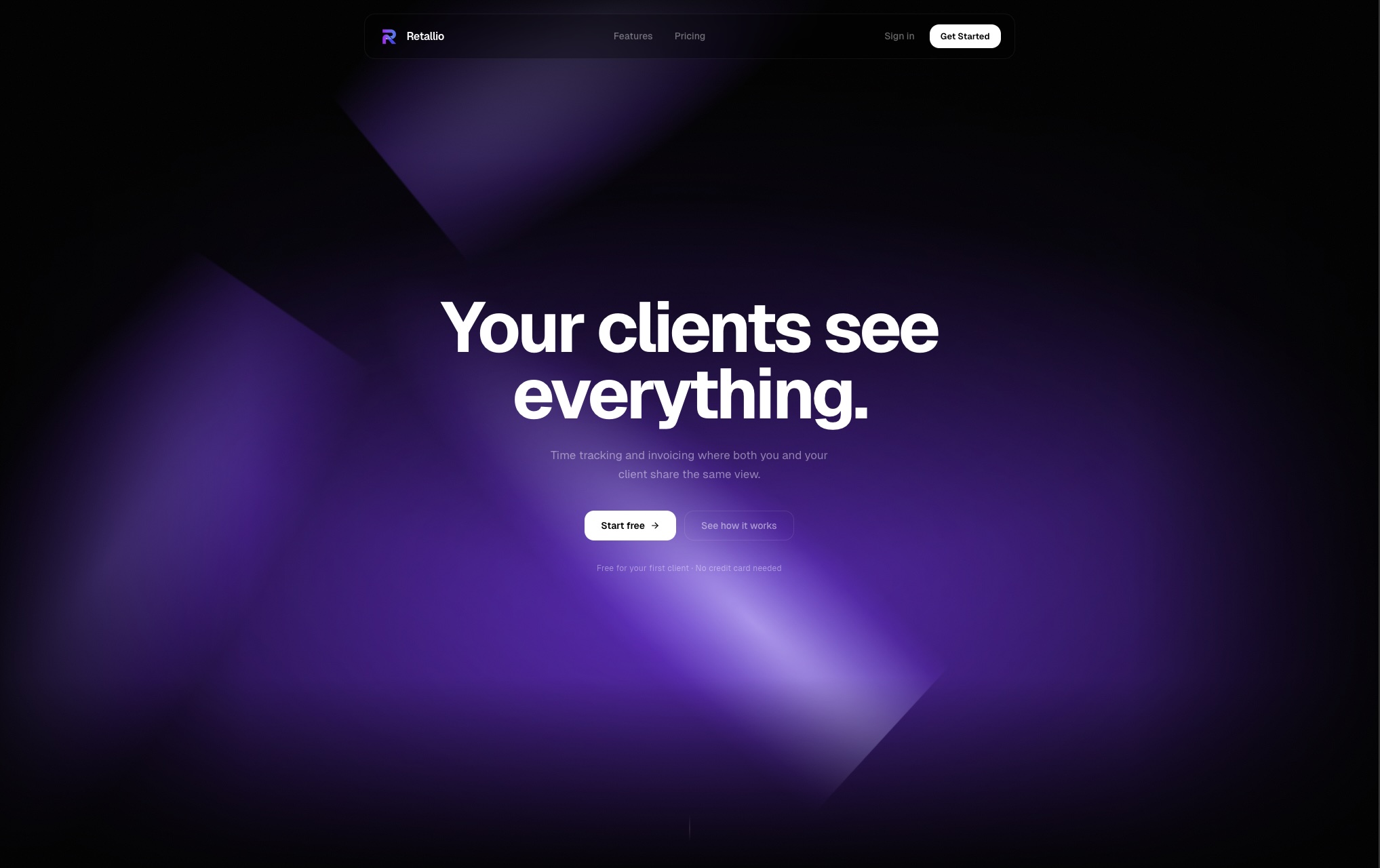
Price: Free for 1 client · $19/month up to 10 clients · $39/month unlimited
Best for: Solo freelancers and small consultancies billing on monthly retainers
Retallio is built around a single insight: the invoice conversation happens because clients don't see the work until the invoice arrives. Fix the visibility and the conversation stops.
When you add a client in Retallio, they automatically get a portal. No setup on their end. They see your hours as you log them, every task you've worked on, and what their invoice is tracking toward — all month long. By the time the invoice arrives, they've been watching it build. There's nothing to question.
The time tracking is built in. You start a timer per client, log what you worked on, and that entry appears in the client's portal immediately. When the month ends, the invoice generates automatically from your logged time.
What it does well:
- Live portal that updates the moment you log time
- Invoice preview builds in real time so clients see the number before it arrives
- Overage alerts when clients approach their included hours
- Automatic invoice generation at month end
- Clean, minimal interface — setup takes minutes
- Free plan covers your first client with no time limit
What it doesn't do:
- No file sharing or document management
- No project management or task boards
- Not designed for agencies with multiple staff
- No client messaging built in
The honest verdict: If you bill retainer clients and invoice disputes are your main pain — this is built for exactly that. It doesn't try to do everything. It solves one problem exceptionally well.
ManyRequests — Best for agencies with productised services
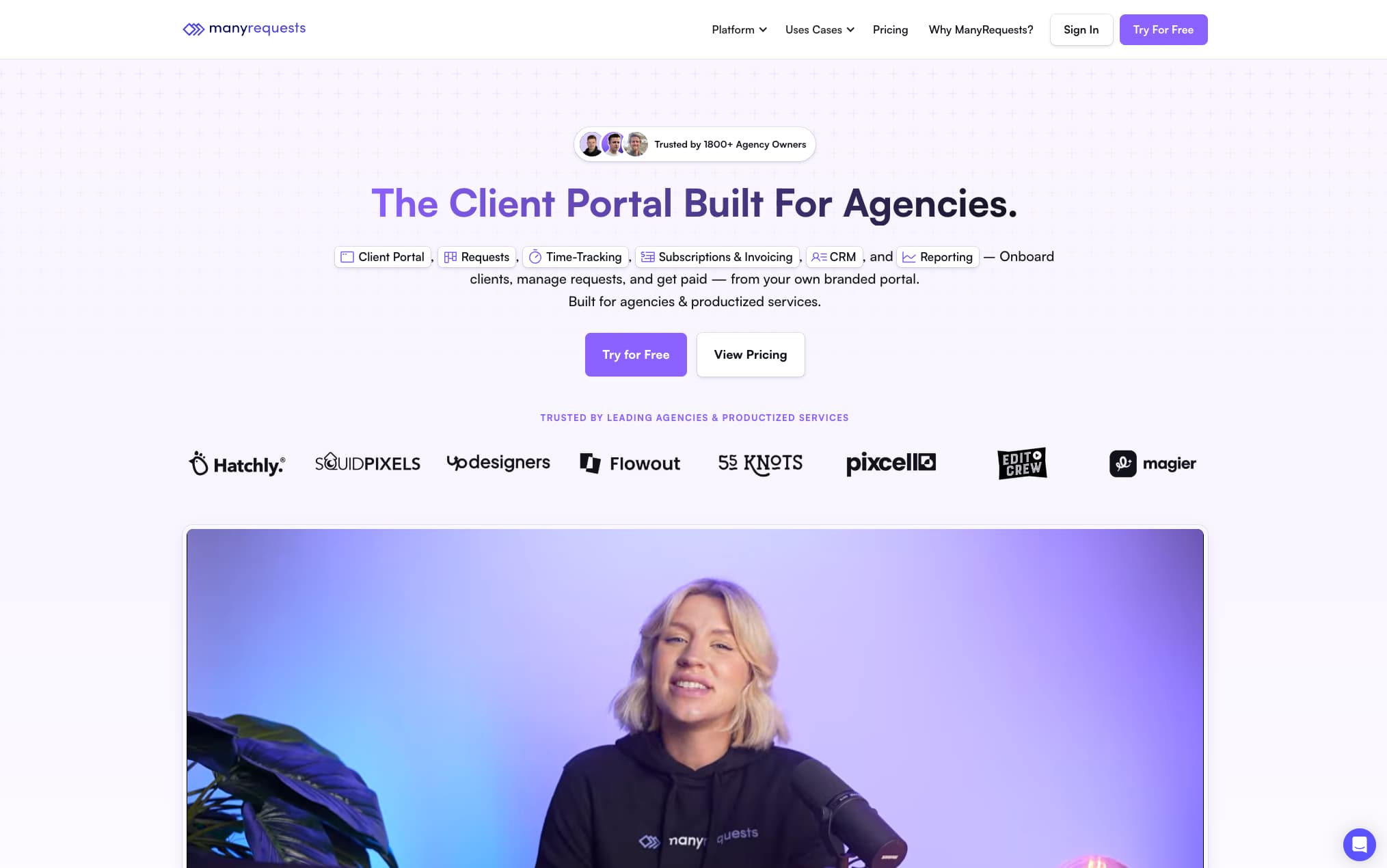
Price: From $99/month
Best for: Design agencies and studios offering subscription-based or productised services
ManyRequests is the most polished client portal on this list. Clients get a branded portal where they can submit requests, track progress, communicate, and access deliverables. For agencies offering a fixed service at a fixed price — design subscriptions, content packages, ongoing creative work — it's excellent.
Where it falls short for freelancers is the model. ManyRequests is built around requests and deliverables, not time. If you bill by the hour, there's no way to show clients hours logged or invoice progression. You'd need to communicate billing separately. If you're comparing agency-style tools, also see best retainer management tools for freelancers for a broader breakdown.
The price also reflects its agency positioning. At $99/month, it's only worth it if you're running a team or billing significant volume.
What it does well:
- Beautiful, white-labeled client portal
- Request management and status tracking
- Client communication built in
- Good for subscription/productised service models
- Professional brand experience
What it doesn't do:
- No hourly time tracking
- No live invoice preview
- Expensive for solo freelancers
- Overkill if you just need billing transparency
HoneyBook — Best all-in-one for creative freelancers
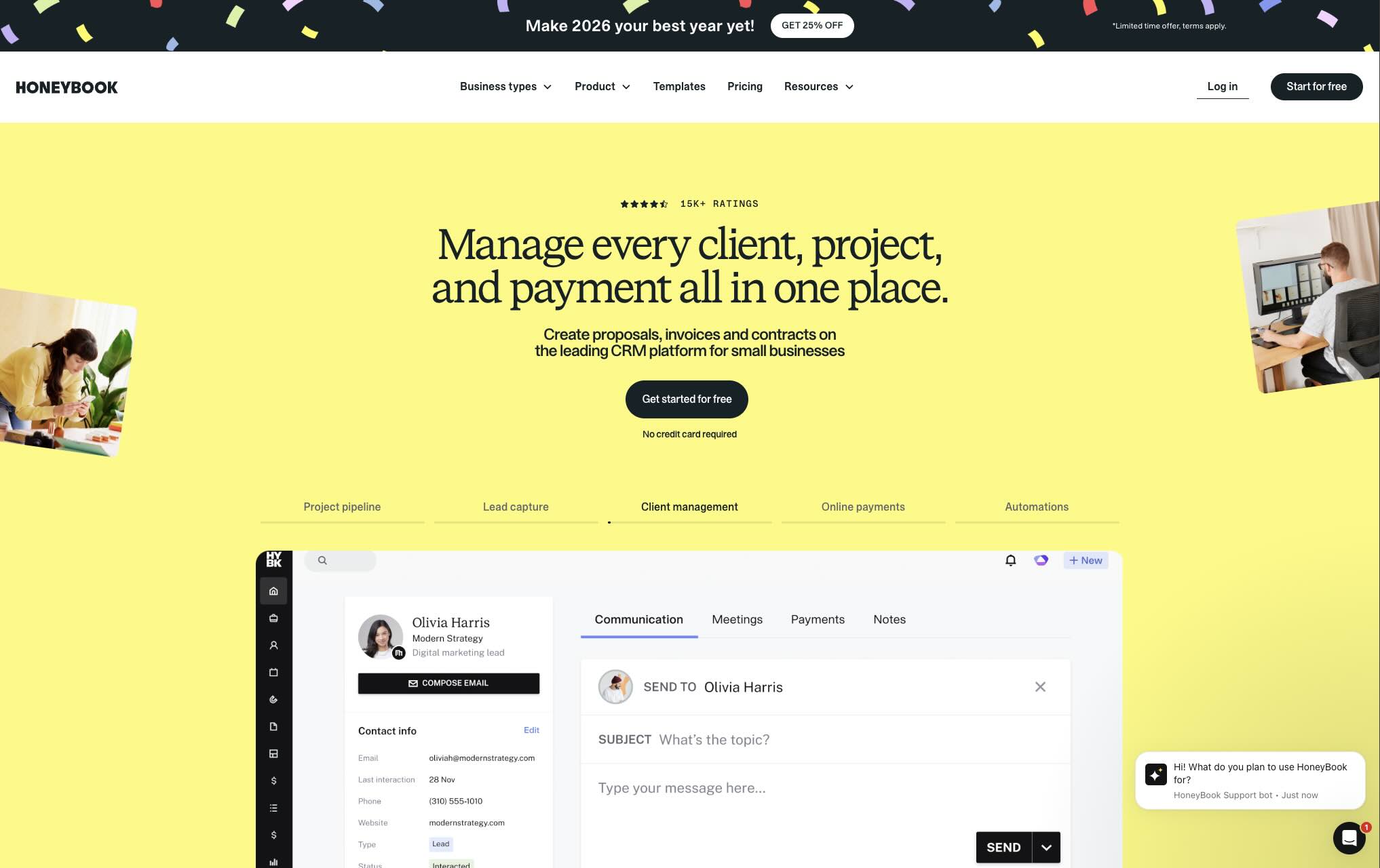
Price: From $16/month (limited) · $32/month full features
Best for: Creative freelancers — photographers, designers, event planners — who want contracts, invoicing, and client communication in one place
HoneyBook is one of the most complete freelance business platforms available. Proposals, contracts, invoices, scheduling, payments, and a client portal — all under one roof. If you're a creative freelancer juggling multiple project clients and want to replace five separate tools with one, HoneyBook is worth serious consideration.
The client portal is solid for project-based work. Clients can see proposals, sign contracts, make payments, and communicate in one place. What it lacks is the live hour visibility that retainer clients specifically need. The portal is built around milestones and deliverables, not ongoing time tracking.
What it does well:
- Complete freelance business platform
- Beautiful, professional client experience
- Strong contracts and e-signature
- Automated workflows and reminders
- Good value at the mid-tier
What it doesn't do:
- No live time tracking visible to clients
- Not built for hourly retainer billing
- Can feel complex for simple retainer work
- Scheduling features irrelevant for many freelancers
Assembly — Best for service businesses wanting a premium portal
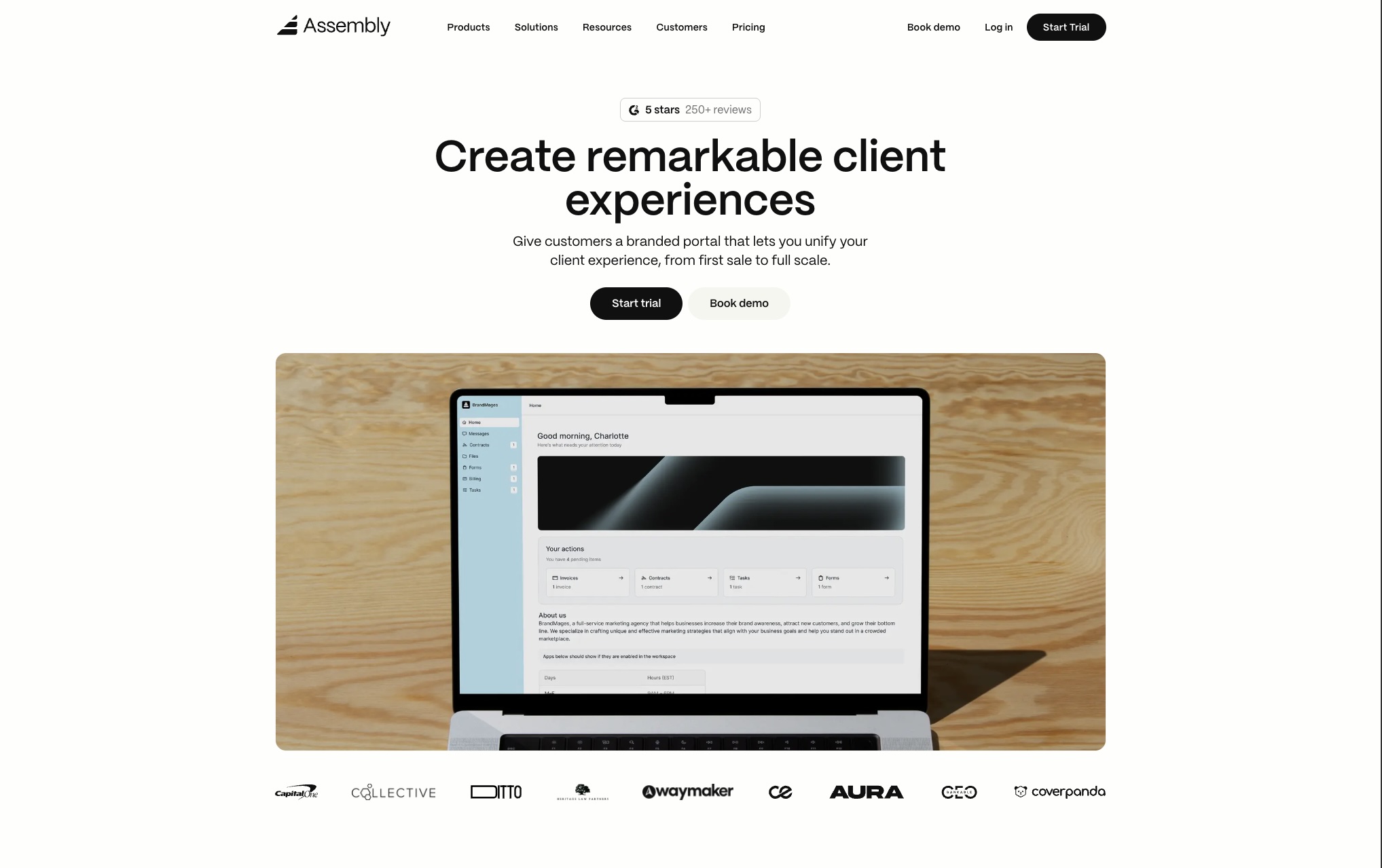
Price: From $29/month
Best for: Freelancers and small agencies who want a premium, white-labeled client portal
Assembly is a modern client portal platform that lets you create a branded portal with your own domain, custom colours, and logo. Clients get a clean hub for files, messages, contracts, and invoices. It looks genuinely premium — more like a product than a bolt-on feature.
For freelancers who care deeply about brand presentation and want clients to feel like they're using a professional platform, Assembly delivers that experience. The trade-off is that it's more about communication and document management than billing transparency. You can share invoices through Assembly, but there's no live invoice building or hour tracking built in.
What it does well:
- Premium white-labeled portal experience
- Custom domain and branding
- File sharing, messaging, contracts
- Clean, modern interface clients actually enjoy using
- Good Zapier integration
What it doesn't do:
- No built-in time tracking
- No live invoice preview
- Billing requires separate tools
- Price adds up with multiple clients
SuiteDash — Best for complex client relationships with many moving parts

Price: From $19/month
Best for: Freelancers or small agencies managing complex ongoing client relationships with projects, documents, and billing all intertwined
SuiteDash is the most feature-complete tool on this list. CRM, project management, client portal, invoicing, file management, white-labeling, email marketing — it does almost everything. The price is surprisingly low given the feature set.
The complexity is the trade-off. SuiteDash has a steep learning curve and takes real time to set up properly. For a solo freelancer who wants to be up and running in an afternoon, it's probably too much. For someone who's willing to invest setup time and wants one platform for every aspect of their business, it's worth looking at.
What it does well:
- Enormous feature set for the price
- Full white-labeling
- Strong project management
- Built-in CRM and email automation
- Invoicing and payment processing
What it doesn't do:
- Complex to set up and learn
- Interface feels dated
- Overkill for simple retainer billing
- No live hour visibility for clients
Notion (DIY portal) — Best free option if you're willing to build it
Price: Free · $10/month for more sharing features
Best for: Freelancers who want a free solution and are comfortable building their own system
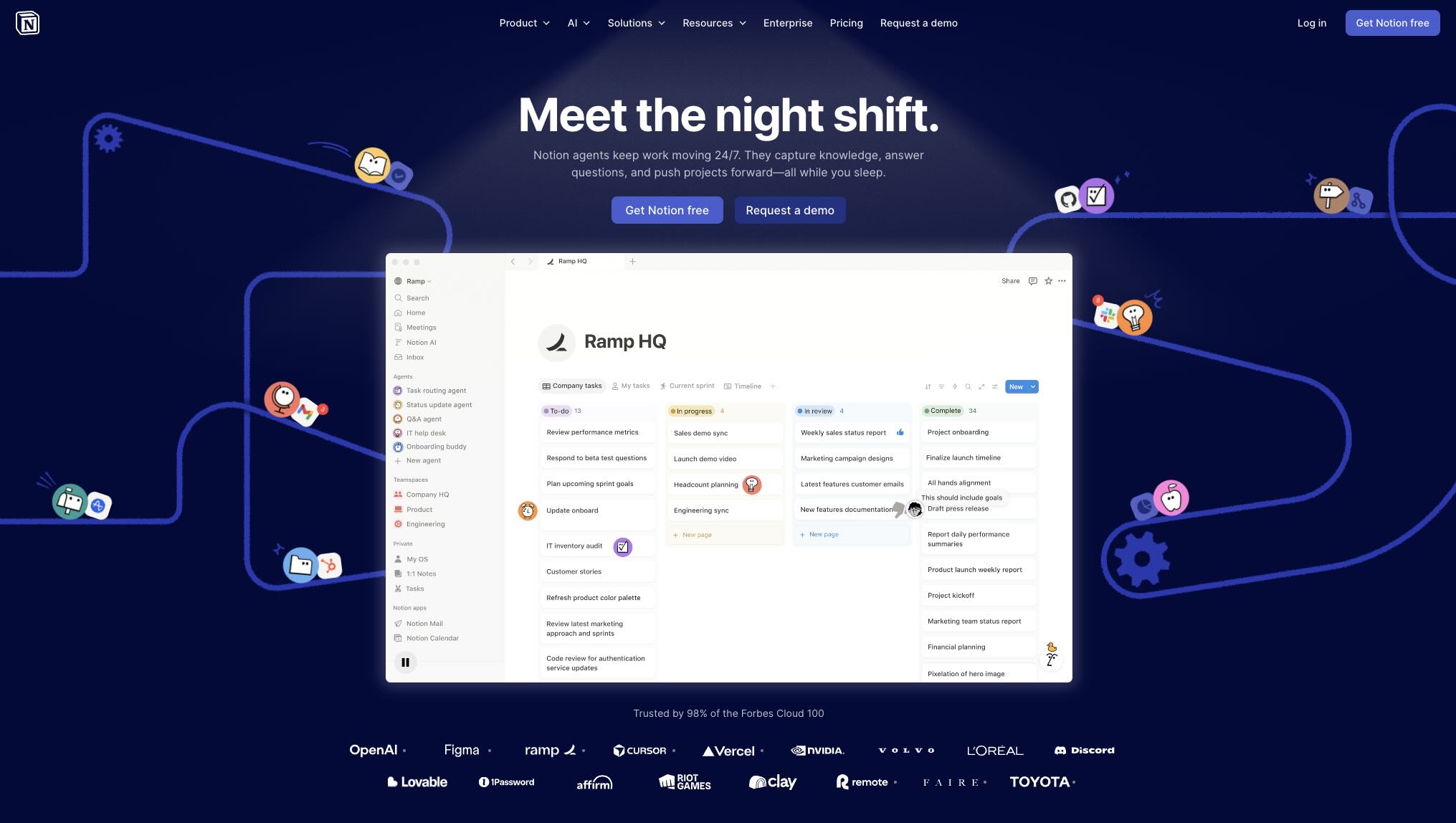
Technically Notion isn't client portal software — it's a workspace tool. But many freelancers use it to create shared client workspaces where they post updates, share documents, and communicate progress.
The DIY portal approach works surprisingly well for some clients, especially those who already use Notion. The limitations are significant though: you have to update it manually, there's no billing integration, no time tracking, and no invoice visibility. It's a communication tool, not a transparency tool.
What it does well:
- Free
- Flexible — build exactly what you need
- Most clients already know how to use it
- Good for sharing documents and updates
What it doesn't do:
- No time tracking
- No invoice integration
- Requires manual updates
- Doesn't scale beyond 2-3 clients without becoming a chore
Side-by-side comparison
| Tool | Live time tracking | Invoice preview | White label | Best for | Starting price |
|---|---|---|---|---|---|
| Retallio | ✅ Real-time | ✅ Builds live | ❌ | Retainer freelancers | Free |
| ManyRequests | ❌ | ❌ | ✅ | Productised agencies | $99/mo |
| HoneyBook | ❌ | ✅ Milestones | Limited | Creative project freelancers | $16/mo |
| Assembly | ❌ | ❌ | ✅ | Brand-focused service businesses | $29/mo |
| SuiteDash | ❌ | ✅ | ✅ | Complex multi-service businesses | $19/mo |
| Notion (DIY) | ❌ | ❌ | ❌ | Budget, manual setups | Free |
How to choose
The right client portal depends entirely on how you bill and what problem you're trying to solve.
If clients question your invoices every month — the problem is visibility into hours. You need a tool with live time tracking visible to clients. Retallio is the only tool on this list built specifically for this.
If you do project work and need a professional client hub — file sharing, contracts, communication, and milestone tracking matter more than hour visibility. HoneyBook or Assembly are stronger choices.
If you run a design or content agency with a subscription model — ManyRequests is the most polished option for that specific workflow.
If you want everything in one platform and are willing to invest setup time — SuiteDash gives you the most for the money.
If you're just starting out and budget is the constraint — the free plan on Retallio covers your first client completely, or a Notion workspace gets you something functional for free.
The thing most client portals get wrong
Most client portal software is built around the agency model: you do work, you share deliverables, the client reviews them, everyone moves on.
That model doesn't fit retainer billing.
Retainer clients pay a fixed amount each month for ongoing access to your time and expertise. There's no single deliverable to point to. The value is distributed across dozens of small sessions — emails answered, problems solved, work done in the background. Understanding how to price a retainer correctly is the foundation — but transparency is what makes clients feel the price is fair.
When a client on a retainer gets an invoice, they're not evaluating a finished product. They're trying to remember whether the amount makes sense based on what they experienced this month. And because they had no visibility into the work, they often can't.
💡 The real fix
A portal that shows hours building in real time means the client is evaluating the invoice all month — not just when it arrives. By the time you send it, it's already been mentally approved.
That's the gap most client portals don't address. They solve the wrong problem — making it easier to share files and communicate — without solving the actual pain of the retainer billing conversation.
If that conversation is what you want to eliminate, the tool you choose needs live time tracking visible to clients. Not just a place to share documents.
Getting started
If you're a freelancer managing two or more retainer clients, the fastest way to test whether a client portal makes a difference is to set one up with your most demanding client — the one who asks the most questions about invoices. If invoice disputes are already happening, read how to handle a freelance invoice dispute before your next billing cycle.
Give them the portal. Let them watch your hours for one month. See if the invoice conversation changes.
Most freelancers who do this don't go back.
Retallio is free for your first client with no time limit. Add a client, share the portal link, and track your time for a month. The difference shows up on invoice day.
Get started free at retallio.app — no credit card required.