
Billing software is one of those things freelancers either think about too much or not enough.
Too much: spending hours comparing every feature of every tool, reading every review, signing up for five free trials simultaneously, and never actually picking one.
Not enough: using the same Google Docs invoice template from 2019 and wondering why clients keep questioning the numbers.
This guide is for both. I'll go through the most popular freelance billing tools, what they're actually good for, where they fall short, and who each one makes the most sense for. No affiliate links. No sponsored rankings. Just an honest breakdown.
What to look for in freelance billing software
Before the list, it's worth being clear about what actually matters — because most tools will advertise features you don't need while burying the things that matter most.
Does it make invoicing fast? The goal is to spend as little time as possible on billing admin. If creating and sending an invoice takes more than five minutes, the software is slowing you down.
Does it handle your billing model? Project billing, hourly billing, and retainer billing are three different things. Some tools handle all three well. Some are built for one and awkward for the others. Know which one you need.
Can your client pay easily? The faster a client can pay from the moment they see the invoice, the faster you get paid. Online payment integration matters.
Does it grow with you? A tool that works for two clients should also work for ten. Check the pricing at higher tiers before you commit.
Does it show your clients anything? Most tools don't. For some freelancers this doesn't matter. For others — especially those on monthly retainers — client visibility into hours and work is the thing that eliminates invoice disputes entirely. More on this below.
The tools
Wave — Best free option for simple invoicing
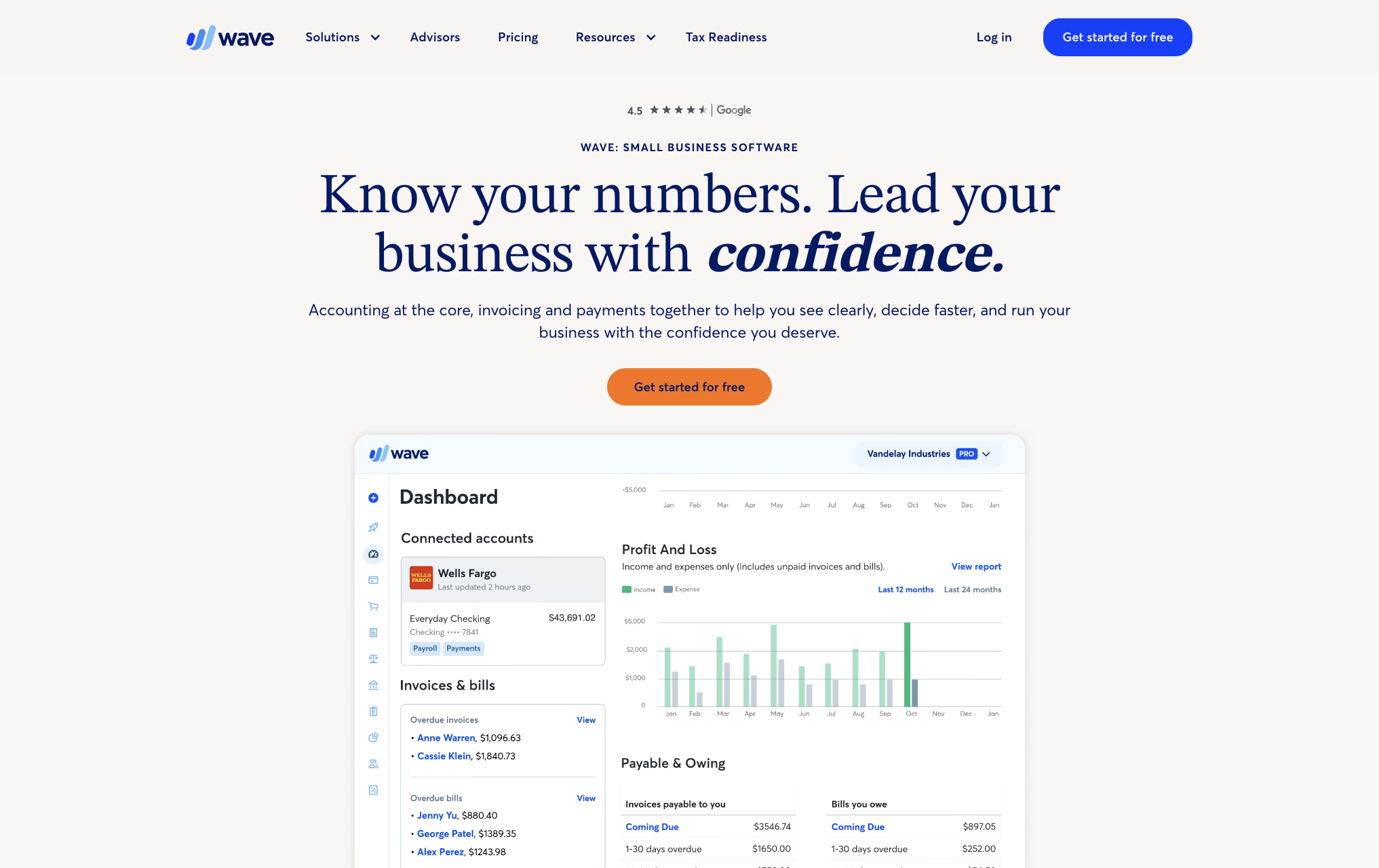
Wave is completely free for invoicing and accounting, which makes it the obvious starting point for most freelancers. You can create professional invoices, send them directly from the platform, set up recurring invoices, and accept online payments (payment processing fees apply, but the software itself is free).
What it does well: the invoicing flow is clean and fast. Recurring invoices work reliably. The accounting side gives you a basic picture of your finances without requiring an accountant.
Where it falls short: Wave is built for straightforward project or hourly billing. It doesn't have meaningful time tracking built in, so if you bill by the hour you'll need a separate tracker. It also has no client portal — clients receive a PDF and that's the extent of their visibility into your work.
Best for: Freelancers doing project work or flat-fee contracts who want free, functional invoicing with no complexity.
FreshBooks — Best for hourly billing with client communication
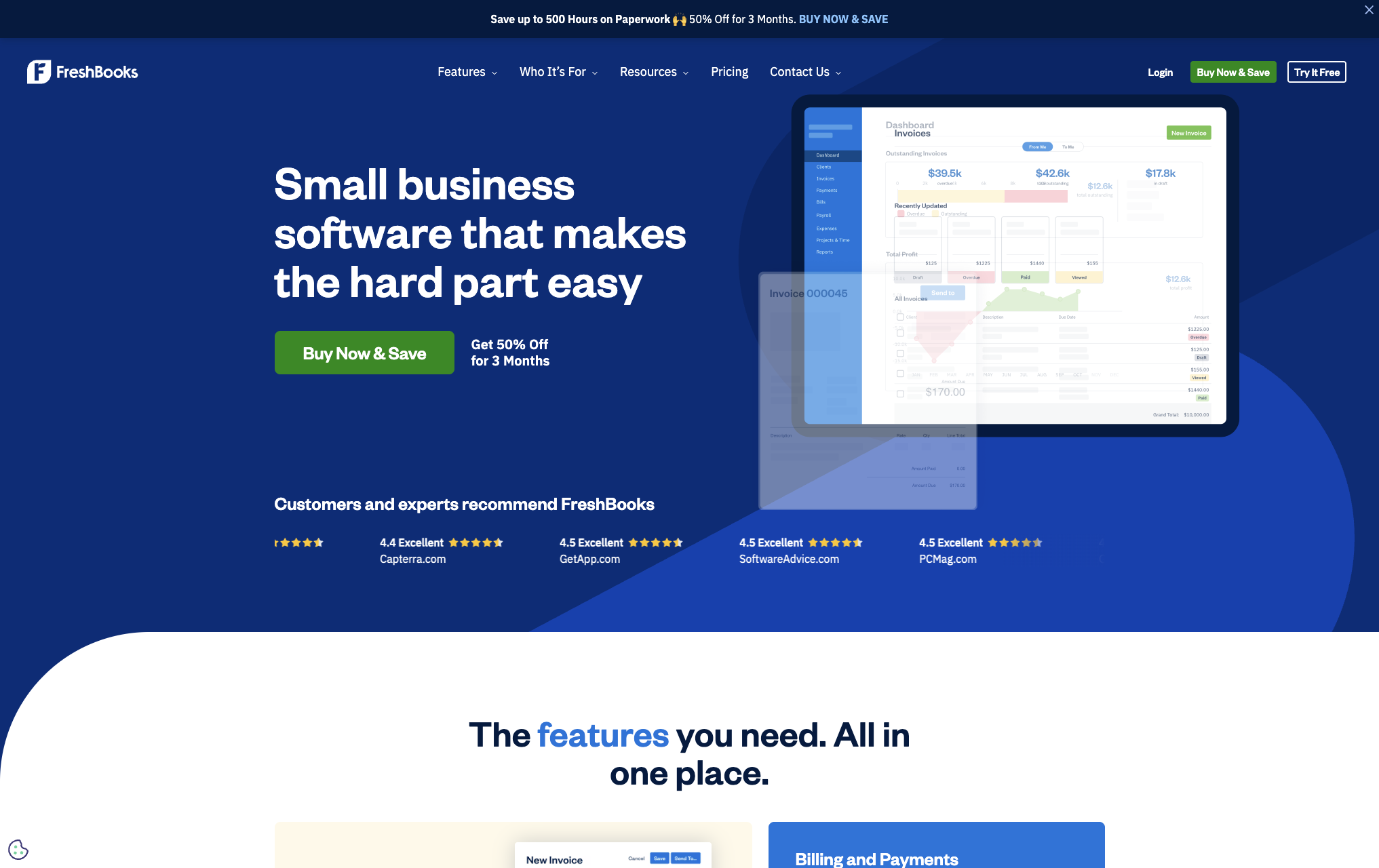
FreshBooks has been around long enough to get most things right. Time tracking is built in, invoices pull from tracked time automatically, and you can communicate with clients directly inside the platform. It looks professional and the mobile app is genuinely good.
The limitation is price. FreshBooks starts at around $17/month and goes up quickly as you add clients. The entry tier limits you to five clients, which you'll outgrow faster than you expect.
Where it falls short: like most tools, FreshBooks is built entirely around your view of the data. Clients can receive and pay invoices, but they can't see your time logs, your progress during the month, or what the invoice is going to look like before it arrives. For retainer clients especially, this creates the classic end-of-month surprise.
Best for: Freelancers billing hourly for project work who want time tracking and invoicing in one place and are okay with paying for it.
Bonsai — Best all-in-one for freelancers starting out
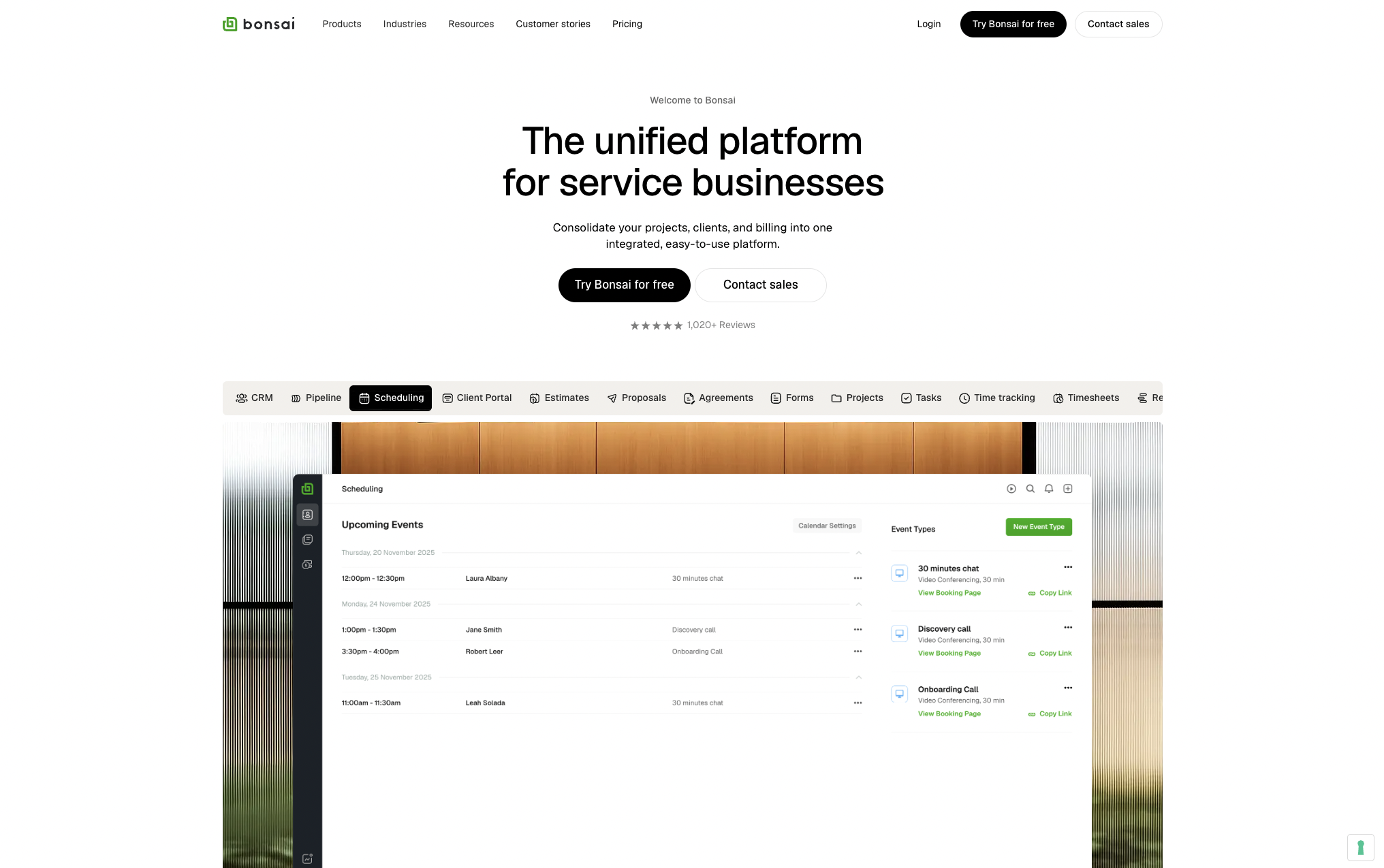
Bonsai is the closest thing to a complete freelance business platform. Contracts, proposals, invoices, time tracking, client management — it's all there. For a freelancer who wants one tool to handle everything from signing a client to getting paid, Bonsai is the most complete option in this range.
It starts at around $21/month, which is reasonable if you're actually using all the features. If you're only using invoicing, it's expensive for what you get.
Where it falls short: the depth of each feature is moderate. The contracts are solid but not as customizable as a lawyer-drafted agreement. The time tracking works but isn't as detailed as dedicated trackers. And like everything else on this list, the client experience stops at receiving an invoice — there's no window into your ongoing work.
Best for: Freelancers who want to consolidate their tools and are early enough in their business that the all-in-one simplicity outweighs the depth of individual features.
Toggl Track — Best pure time tracking (not billing)
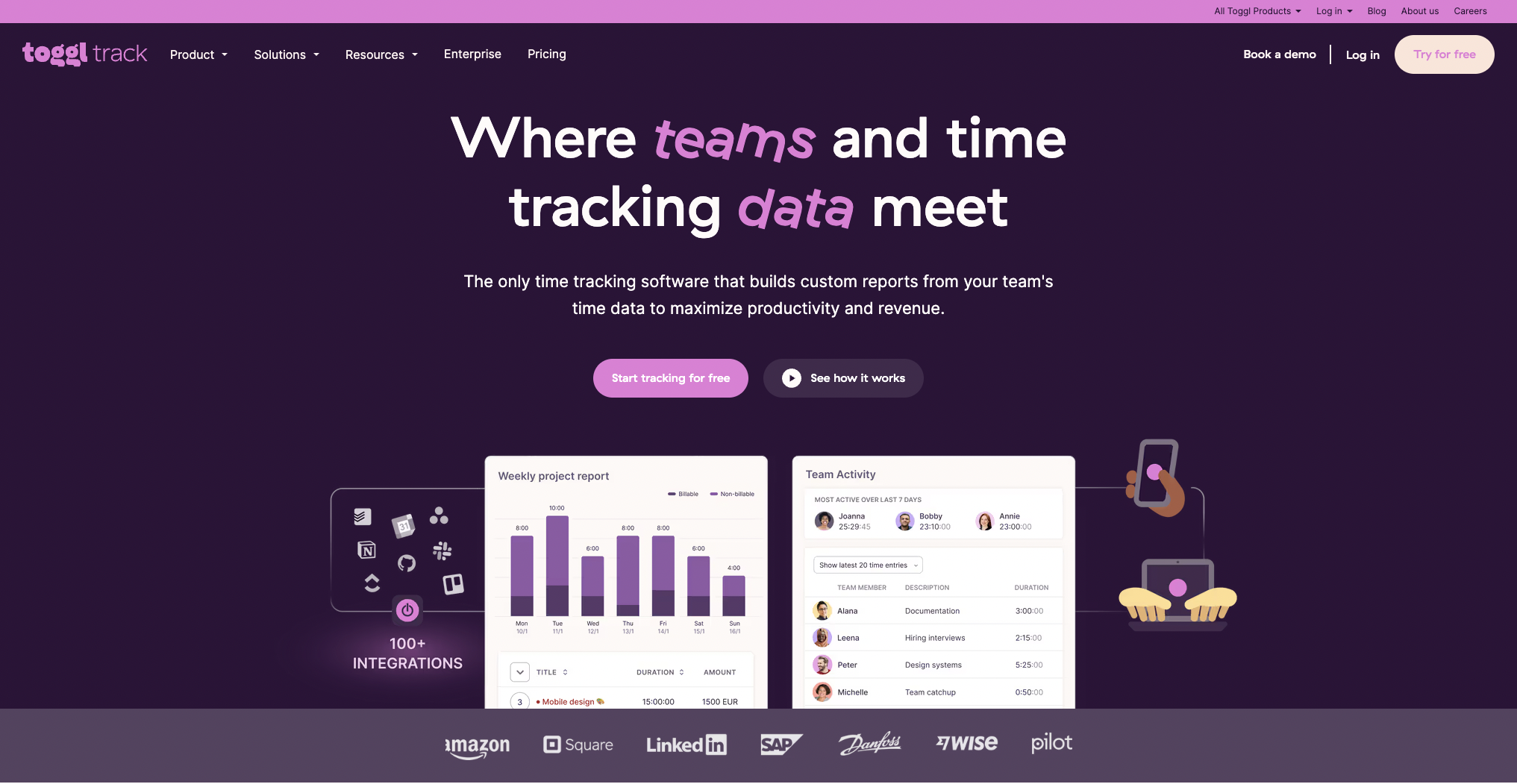
Toggl isn't really billing software — it's time tracking software. It's worth including because many freelancers use it alongside a separate invoicing tool, and it's genuinely the best at what it does.
The timer is simple, the reporting is detailed, and the free tier is generous enough that most freelancers will never need to pay for it. If you bill by the hour and want accurate records of where your time goes, Toggl is hard to beat.
The gap: your Toggl data lives on your side. You can export reports and send them to clients, but clients have no live view of your time. For project work this is usually fine. For retainer clients who pay a monthly fee for ongoing access to your time, the lack of client visibility is where invoice questions tend to start.
Best for: Any freelancer who bills by the hour and needs reliable time tracking. Use it alongside your invoicing tool of choice.
Harvest — Best for teams and agencies, not solo freelancers
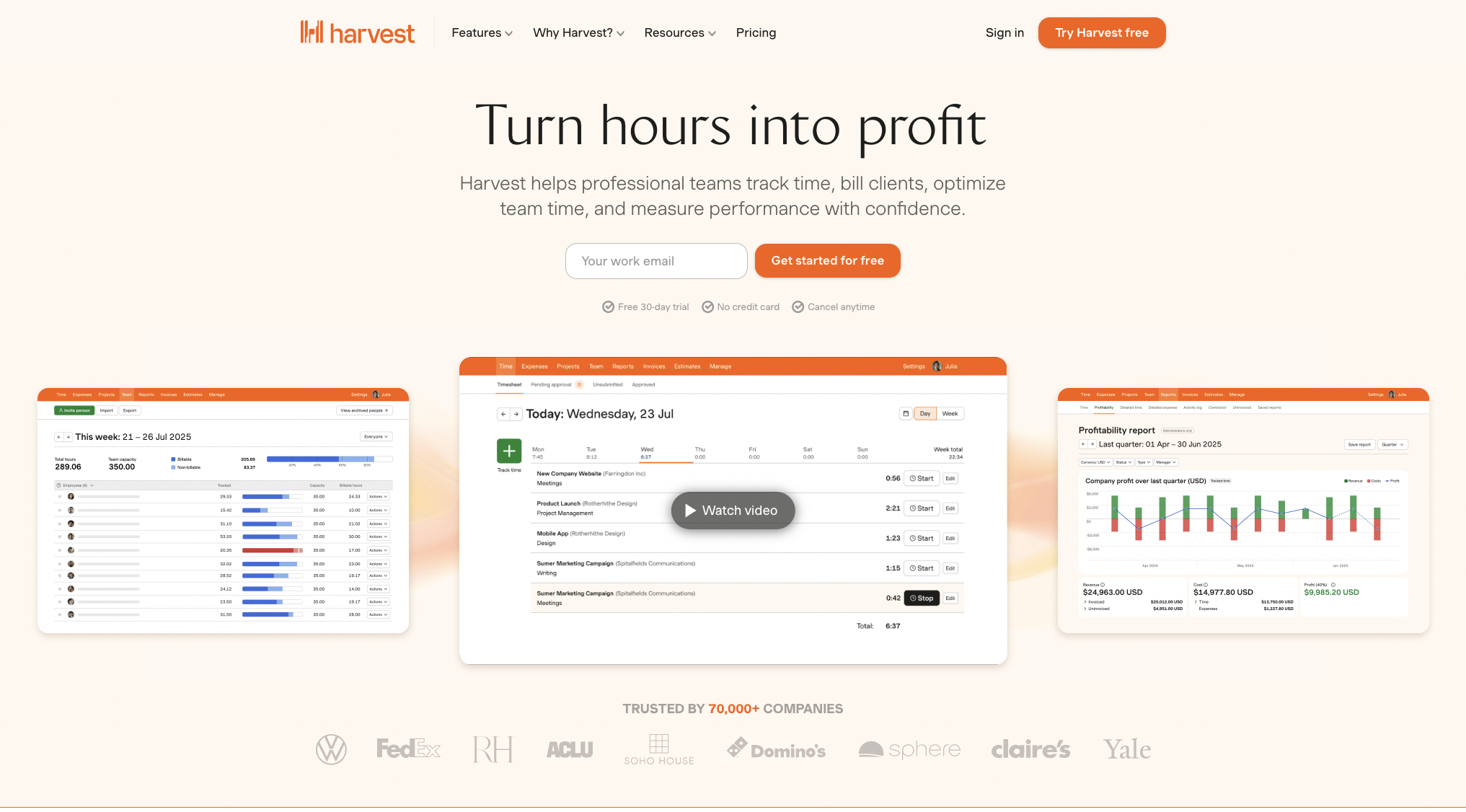
Harvest is well-built and has been around for a long time. Time tracking, invoicing, project budgets, team management — it covers a lot of ground. The integration with other tools is good and the reporting is detailed.
The honest issue for solo freelancers: Harvest is priced and designed for teams. At $12 per user per month, it's not unreasonable, but the features you're paying for are largely built for the coordination problems that come with multiple people working on a project. As a solo freelancer, you're paying for capability you won't use.
Where it falls short: same client visibility gap as every other tool here. Harvest shows you detailed reports. Your clients see nothing until invoice day.
Best for: Small agencies or freelancers who collaborate with others on projects. Overkill for solo work.
QuickBooks Self-Employed — Best for tax management
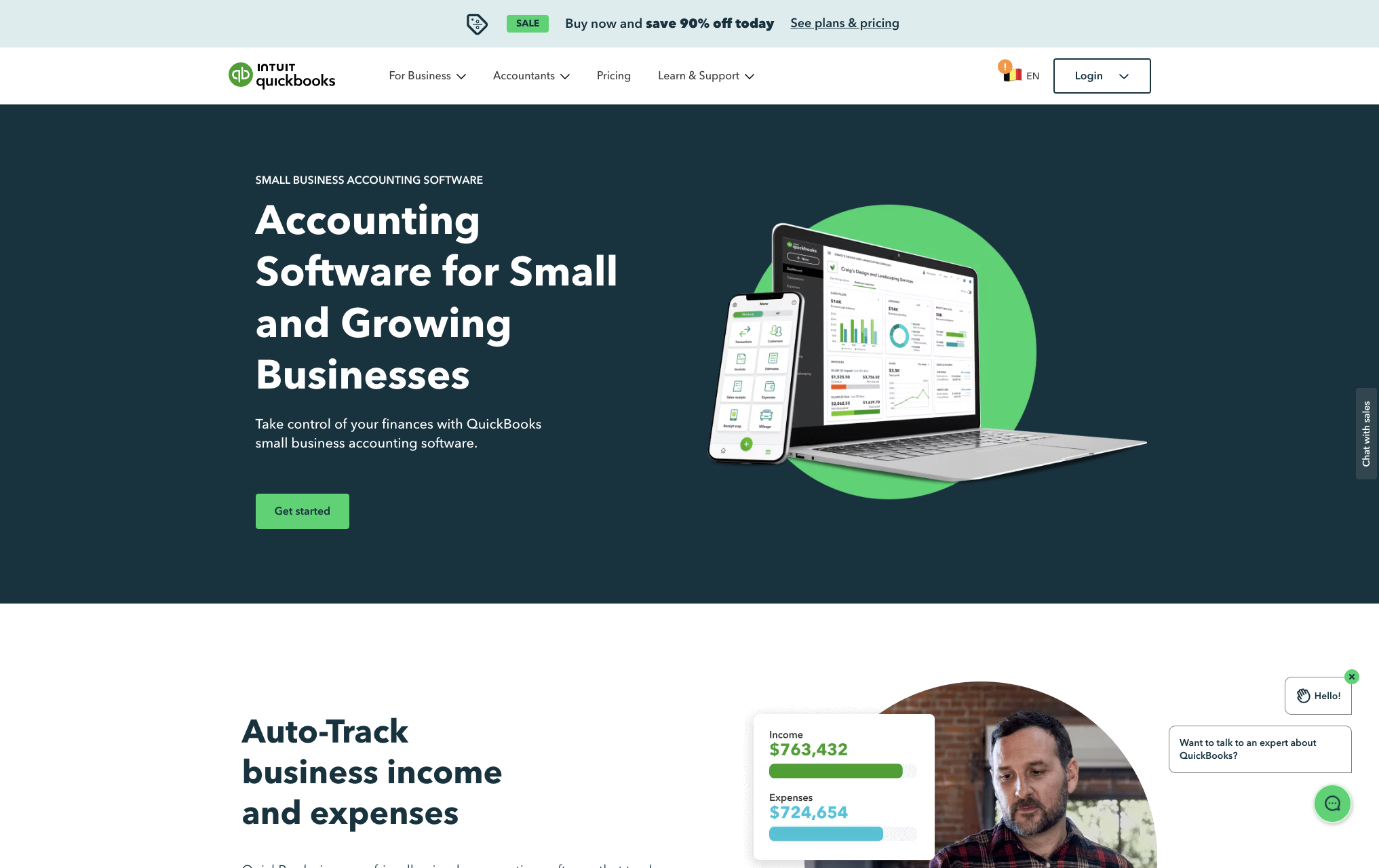
QuickBooks is less about invoicing and more about taxes. It automatically separates business and personal expenses, estimates quarterly taxes, and makes the accounting side of being self-employed much less painful.
As an invoicing tool it's fine but not exceptional. The reason to use QuickBooks is the tax and accounting layer — if that's where you're spending the most time and stress, it's worth it.
Best for: Freelancers who are overwhelmed by the accounting and tax side of running a business and want a tool that addresses that specifically.
Retallio — Best for freelancers on monthly retainers
I built Retallio because none of the tools above solve the specific problem that retainer billing creates.
When you bill a client monthly for ongoing work — design retainer, development support, content, social media management — the invoice conversation happens at the end of the month, after the work is done, and it always goes the same way. The client questions the hours. You explain. They check with their team. Payment gets delayed.
The root cause isn't distrust. It's that the client has been seeing nothing all month and then receives a number at the end of it. That gap between what they see and what they're billed is where every invoice dispute lives.
Retallio gives retainer clients a portal. They see your hours as you log them, what you worked on in each session, and what the invoice is tracking toward — in real time, all month long. By the time the invoice arrives, there's nothing surprising about it. They've been watching it build.
The features: time tracking, client portal (auto-sent to clients when you add them), invoice generation, overage alerts when a client is approaching their hour limit.
The pricing: free for one client. $19/month for up to 10 clients. $39/month for unlimited.
It doesn't try to do contracts, proposals, or accounting. It does one thing — retainer billing with full client visibility — and it does it well.
Best for: Freelancers managing two or more retainer clients who are tired of the invoice conversation.
Try it free at retallio.app
How to choose
Also read: how to invoice as a freelancer for everything that needs to be on every invoice.
You do project work, want free software: Wave.
You bill hourly for projects and want time tracking built in: FreshBooks.
You want one tool for contracts, invoices, and everything in between: Bonsai.
You need the best standalone time tracker: Toggl.
You work with a small team: Harvest.
Taxes and accounting are your main pain: QuickBooks Self-Employed.
You manage retainer clients and the invoice conversation is killing you: Retallio.
The thing none of them fully solve (except one)
Every tool on this list — including the good ones — is built around the freelancer's view of their own data.
You log time. You see reports. You generate an invoice. You send it to the client.
The client's experience is: receive PDF, see number, ask questions.
That's the fundamental design of the entire category. And for project work it's fine — the project is done, the deliverable is there, the invoice reflects it.
For retainer work it creates a monthly problem. Read why clients question invoices — and how visibility fixes it entirely. There's no finished product to point to. Just hours logged on your end that the client never sees until invoice day.
If that's the situation you're in, a client portal that makes your work visible during the month — not just at the end of it — is more valuable than any other billing feature.
For retainer clients specifically, see best retainer management tools for freelancers — a separate comparison focused purely on retainer work.